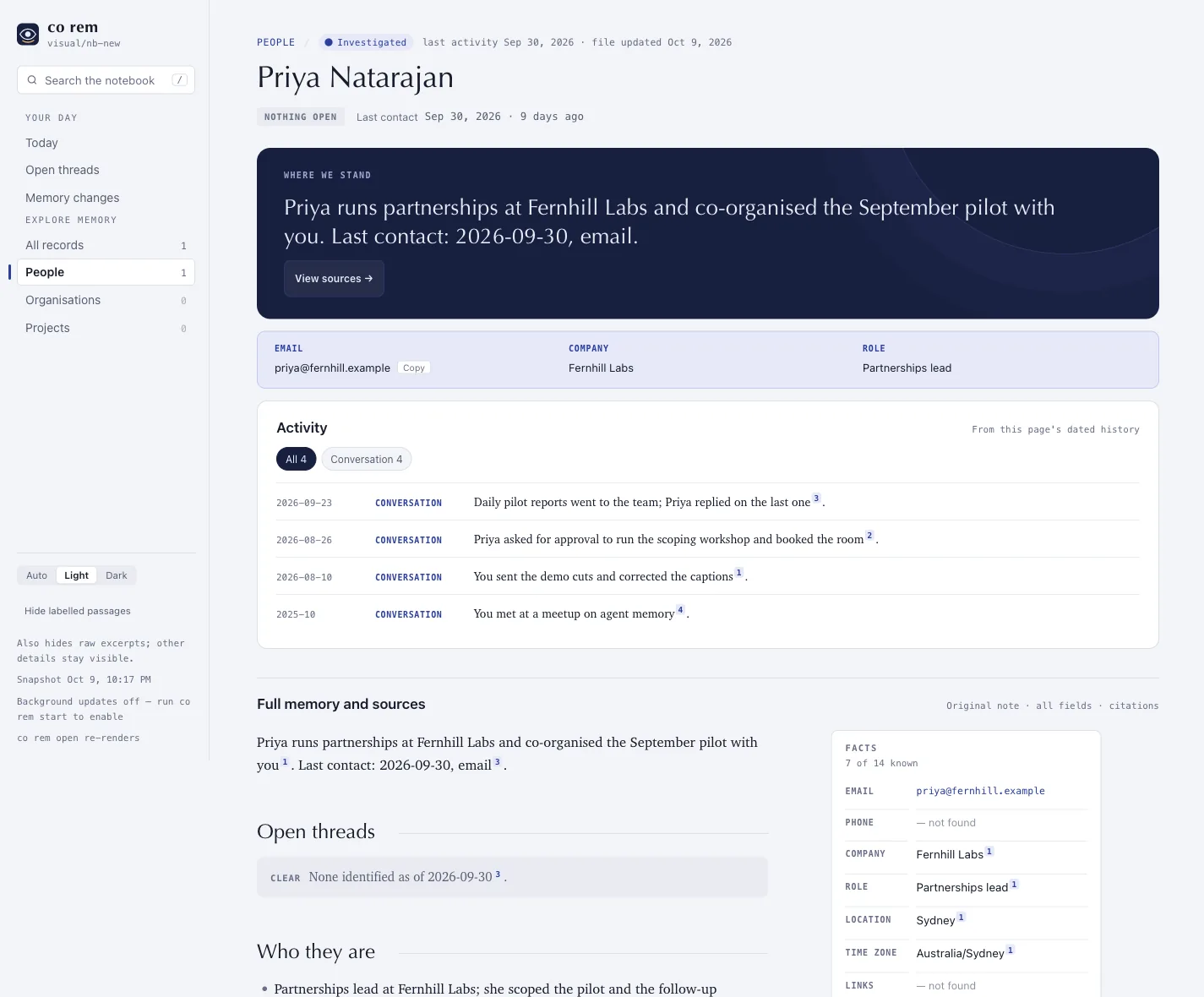
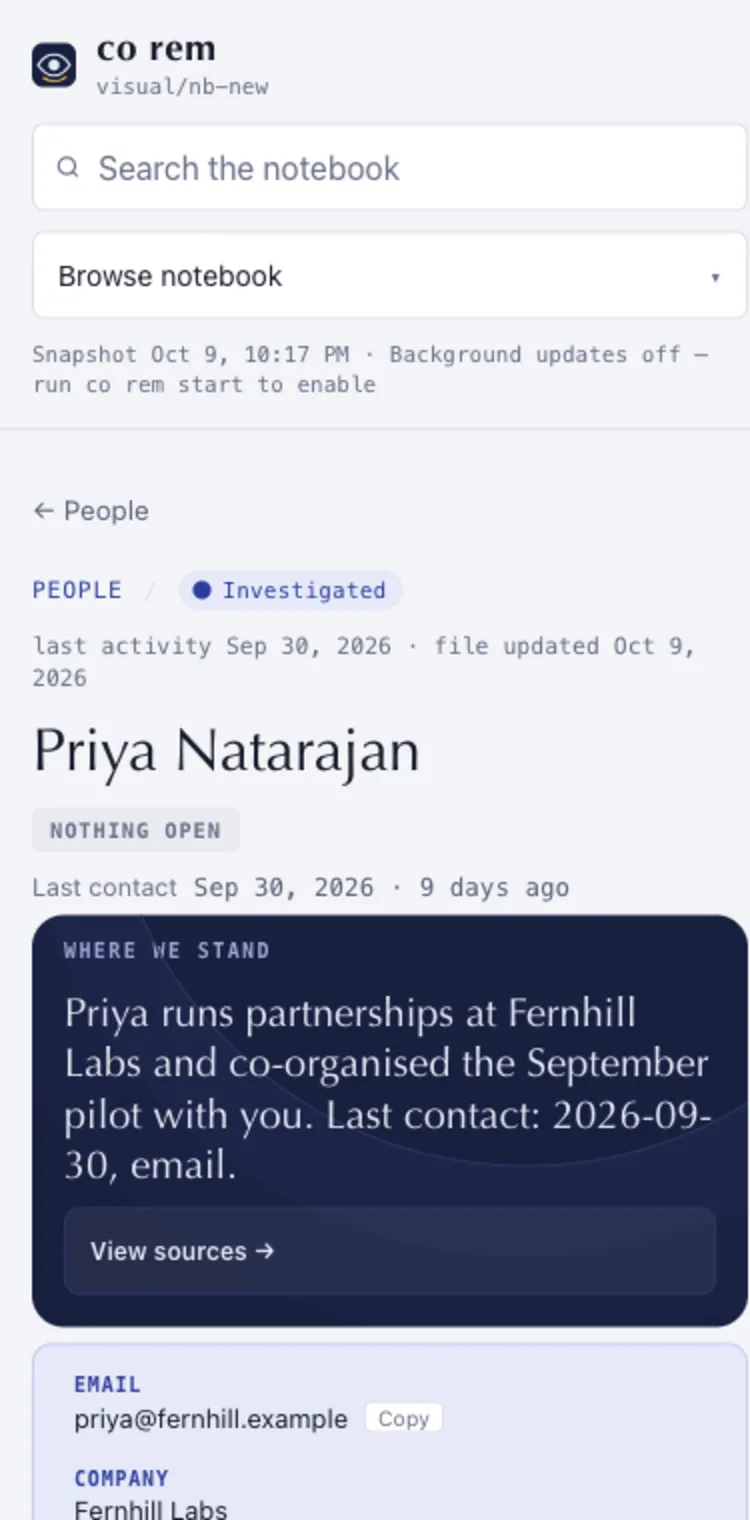
An invented person's page. Where you stand, how to reach them, and a dated history, each line ending in a numbered source.
A local notebook of your people, projects and decisions, every line with its source.
Install REM from https://github.com/openonion/corem for this coding agent. Read its README and skills/co-rem/SKILL.md, install the required ConnectOnion CLI, and use the native plugin if supported or the standalone skill otherwise. Reuse existing installations. Guide me through setup, and ask me before reading private sources or enabling scheduled updates.
An invented person's page. Where you stand, how to reach them, and a dated history, each line ending in a numbered source.
1Every line ends in a numbered source. Pages are Markdown files under ~/.co/rem; read them with anything.
Your agent installs the ConnectOnion CLI and the matching plugin or skill, and reuses what is already there.
The setup skill explains which sources it reads, which model processes them and what runs in the background, then asks before it starts.
Ask your agent about a person or project. Or open the pages:
co rem show "Mara Ostrowski"
co rem search "addendum"
co rem open
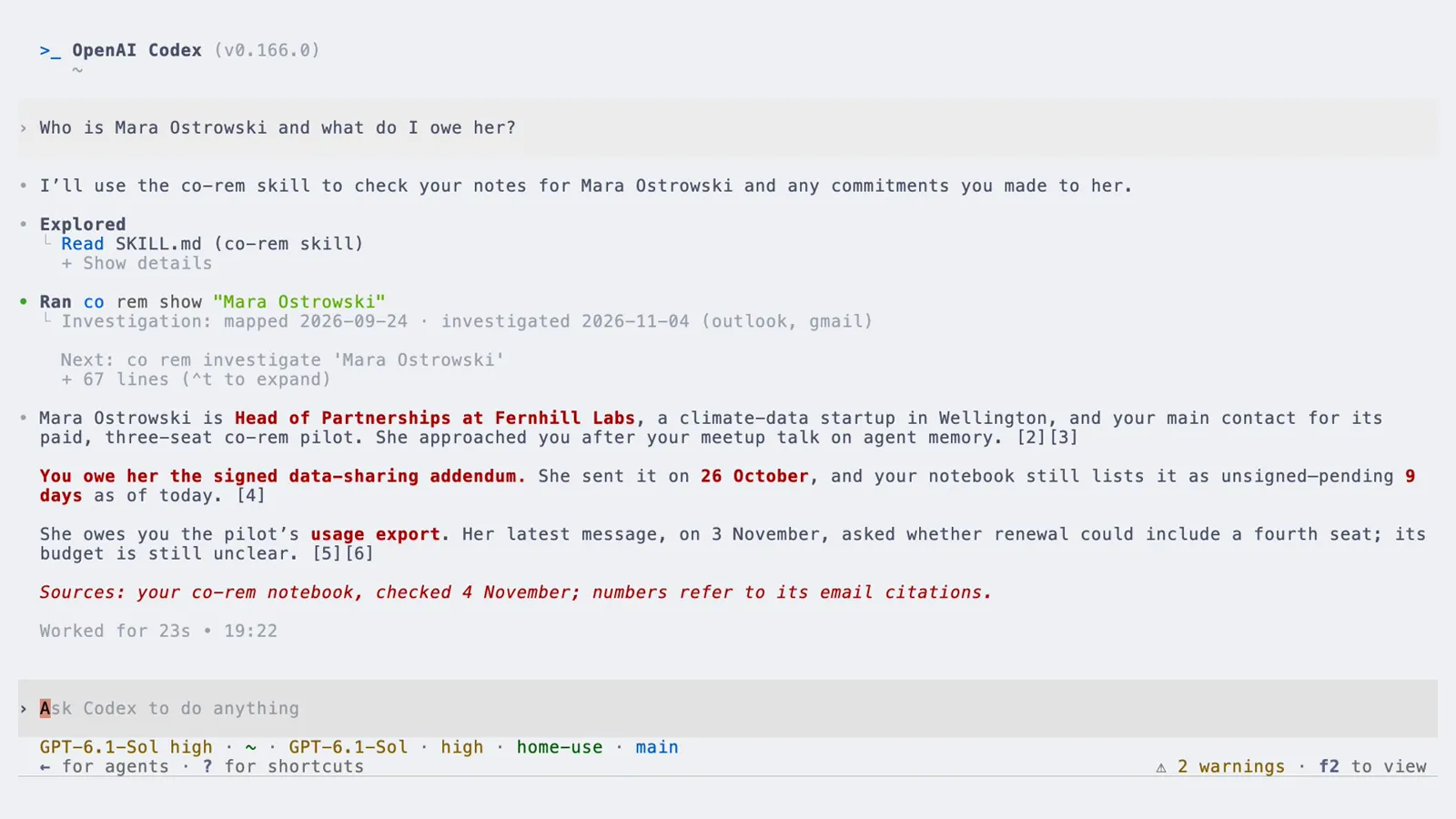
Historical preview: a real terminal and Codex session recorded with 1.9.3rc39, with an invented person, company and project. Setup plays at about twice real speed. Current CLI setup proceeds automatically; the plugin explains and confirms its effects first.
Choose one entry point. Plugins and the standalone skill share skills/co-rem/SKILL.md.
codex plugin marketplace add openonion/corem
codex plugin add rem@rem-marketplace
/plugin marketplace add openonion/corem
/plugin install rem@rem-marketplace
npx skills add openonion/corem
pip install --upgrade --pre connectonion
Start a new conversation, then tell your agent: “Set up my memory.”
~/.co/rem, with locally cached evidence.co rem sources. Drop one with co rem sources remove gmail. Pause upkeep with co rem stop.Review the scope before setup. Current co init releases proceed automatically and can include every connected mailbox and your local coding sessions. Newly connected mailboxes may join future runs.
The plugin explains the source scope, configured runner and model, quota use, schedule and task automation before initializing REM. Current co init versions automatically grant local session and connected mailbox access, start the first build and install upkeep.
Inspect sources with co rem sources and remove one with co rem sources remove gmail. Inspect the runner, schedule and task automation with co rem config. Use co rem stop to pause scheduled updates.
The CLI estimates pages, tokens and time from available material. Actual cost and duration depend on the configured runner, model, source volume and limits. co rem status reports progress and available usage information.
Set up in Codex or Claude Code with local shell access. Background-update support depends on the installed CLI, host and operating system. Agents with local shell access can read an existing notebook through co rem show and co rem search.
Run co init again. It keeps what exists, says REM is already initialised, and co rem init continues the first run where it stopped. Nothing is rebuilt from scratch and nothing is deleted.
Not yet. We are preparing REM for submission to the official Codex plugin directory. The store link will appear in the README after approval and publication.
Yes. The skill is one file, skills/co-rem/SKILL.md. Put it in ~/.codex/skills/co-rem/ or ~/.claude/skills/co-rem/, or paste it into your agent's instructions.